
Primary purpose
- Beancount
- Double-entry bookkeeping and accounting
- Excel & Google Sheets
- General-purpose grid for any calculation or list
Beancount vs Excel & Google Sheets
Excel and Google Sheets are where almost everyone's books start — familiar, flexible and already installed. Beancount is a double-entry ledger in plain text: it refuses to load when the books don't balance, proves each account against your bank statement, and keeps its whole history as a readable diff.
 Open full-size image
 Open full-size image
Feature by feature, no marketing spin.
| Area | Beancount | Excel & Google Sheets |
|---|---|---|
| Primary purpose | Double-entry bookkeeping and accounting | General-purpose grid for any calculation or list |
| Accounting model | Double-entry — every transaction must balance | Whatever you build; usually a single-entry list |
| Error checking | Unbalanced entries and failed assertions are reported | None by default; broken formulas fail silently |
| Reconciliation | Balance assertions against each statement date | A manual difference column |
| Change history | Git diff, blame and revert; no version cap | Needs OneDrive/SharePoint (Excel) or edit access (Sheets) |
| Size limits | One text file per year or entity | 1,048,576 rows (Excel); 20M cells (Sheets) |
| Data format | Plain text you own, readable in any editor | .xlsx or a Google-hosted file; exports to CSV |
| Cost | Free open-source core; optional paid hosting | Sheets free for personal use; business plans from $7/user/month (Sept 2026) |
A spreadsheet is a blank grid that accepts any value. Beancount is a ledger with rules. That difference is the whole comparison.
Beancount
Double-entry: every transaction's postings must sum to zero, or the file does not load. A mistake stops you instead of skewing a total.
Excel & Google Sheets
A SUMIF range that stops one row short, or a value pasted over a formula, produces a plausible total that is simply wrong — silently.
Beancount
A balance line checks an account against your bank statement on a date, every time the ledger loads, and names the difference if it fails.
Excel & Google Sheets
Reconciliation is a column you remember to fill in. A month you skip is a month nobody checked.
Beancount
Plain text means line-level diff, blame and revert for every change, with an author and a message and no cap on versions.
Excel & Google Sheets
Excel's version history needs OneDrive or SharePoint, and a personal account keeps the last 25 versions. Sheets' edit history needs edit access and omits some change types.
Beancount
One file per year or per entity; thousands of transactions remain a text file any editor opens.
Excel & Google Sheets
1,048,576 rows per Excel worksheet and 20 million cells per Google Sheets file — and a multi-year sheet full of lookups slows down long before either.
Beancount
Cost basis, lots, prices and multiple currencies are part of the syntax, so gains and conversions come from the same entries.
Excel & Google Sheets
Cost basis and exchange rates are formulas you design, maintain and hope are right.
Beancount
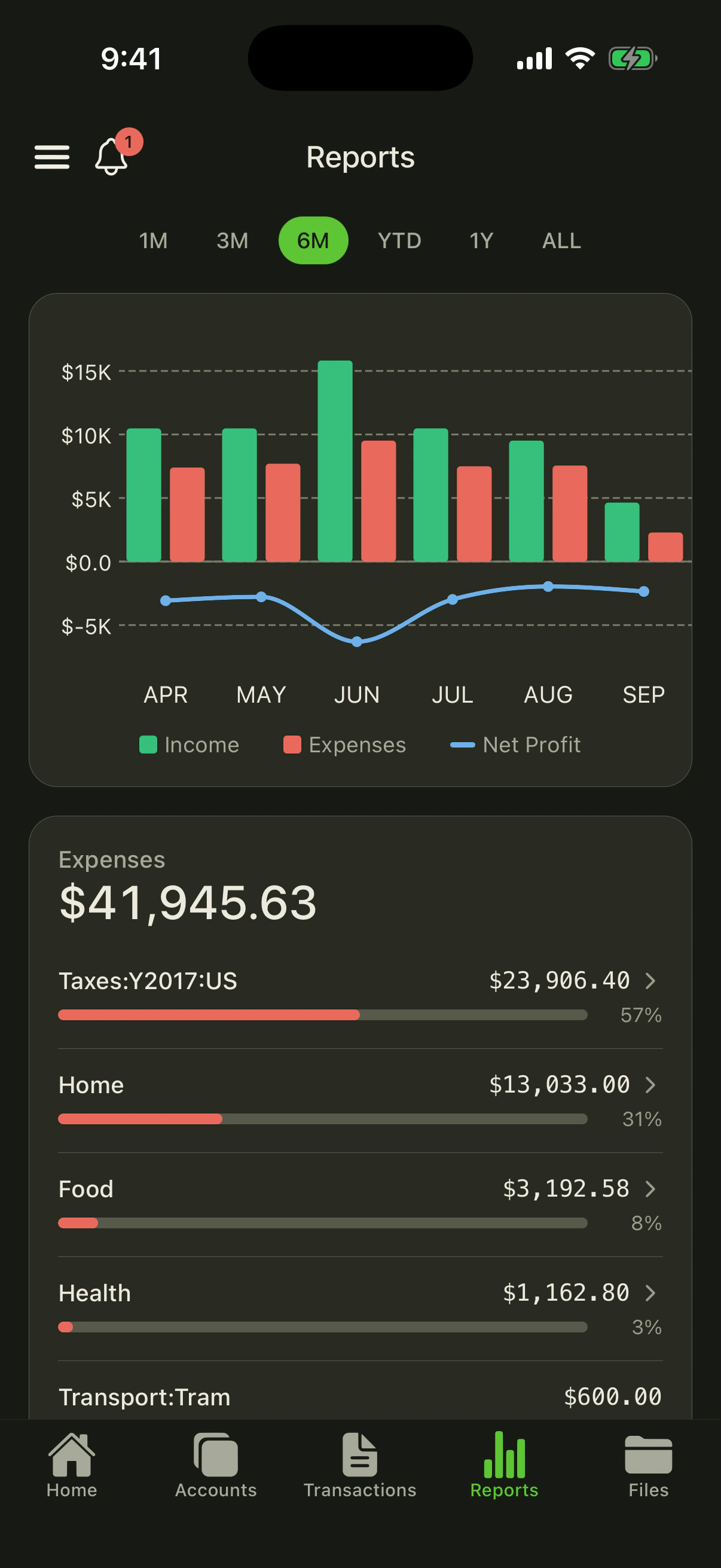
Balance sheet, income statement and journal are generated from the ledger in Fava, so a report never drifts from the data.
Excel & Google Sheets
Each report is a pivot or formula sheet that breaks when the layout changes.
A spreadsheet is a good tool, and for some readers it is the right one. Here is where it beats a ledger.
Everyone on the team already reads a grid. Beancount asks you to learn double-entry basics and a text syntax before it pays off.
Budgets, forecasts and what-if scenarios need no schema, and a spreadsheet is the better tool for them.
Google Sheets and Excel for the web let several people edit and comment on one sheet at once. A Git-based ledger is collaborative, but not in that way.
Excel comes with Microsoft 365, and Google Sheets comes with Google Workspace or a free personal Google account.
…your books have become a record you must trust: several accounts, investments or currencies, an accountant or a tax filing depending on the numbers.
…your books are small and simple — a few dozen cash transactions a month and one bank account — your real need is a budget or a model, your team must co-edit one sheet live, or you don't want to learn a syntax.
A well-built workbook beats a half-configured anything. Switch when checking the sheet has become the job.
If you already pay for Microsoft 365 or Google Workspace, the spreadsheet costs nothing extra — the real cost of spreadsheet books is the time spent checking them. Prices as of September 2026.
Free
open source, forever
From $0
Sheets free for personal use; business suites per user/month
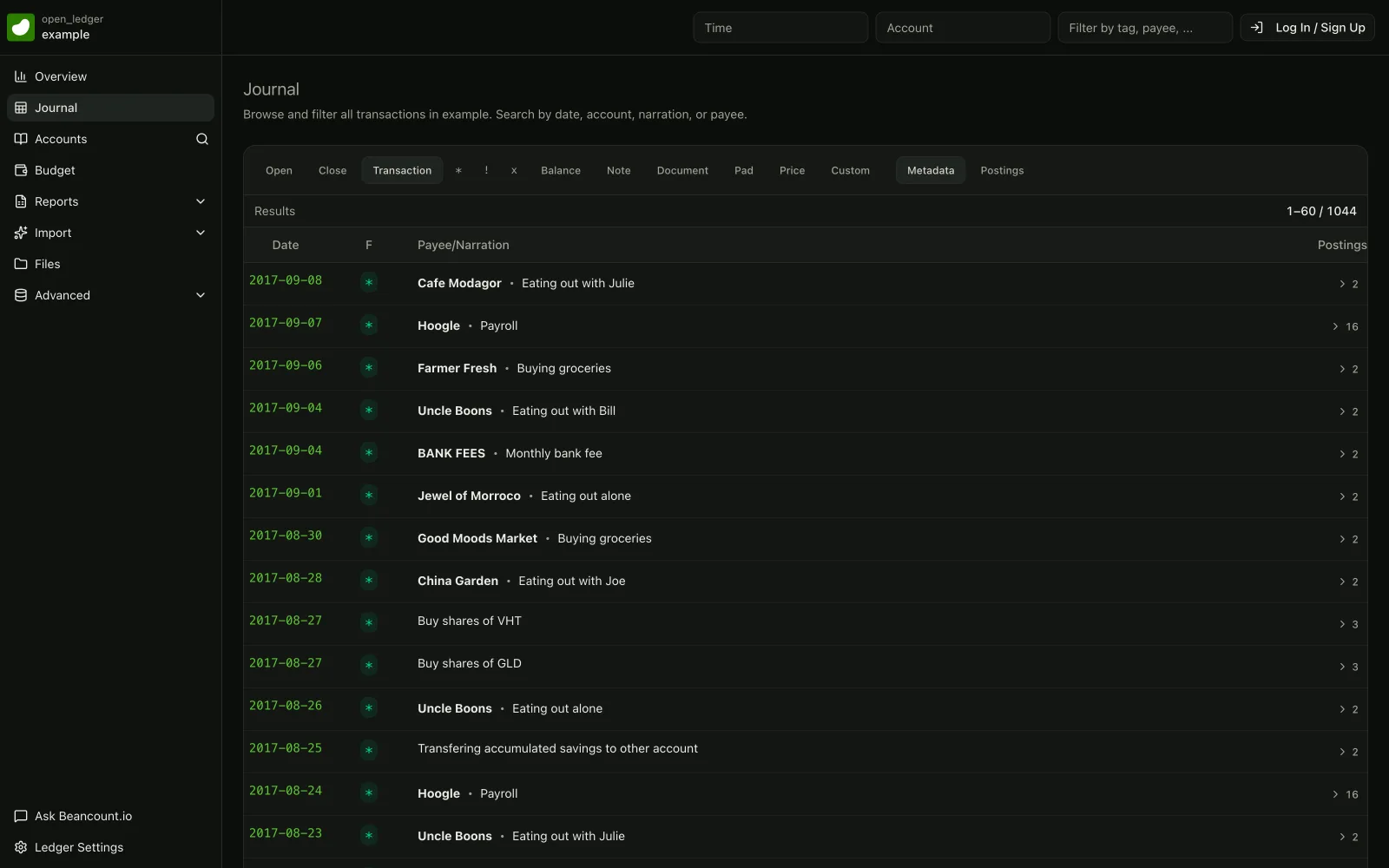
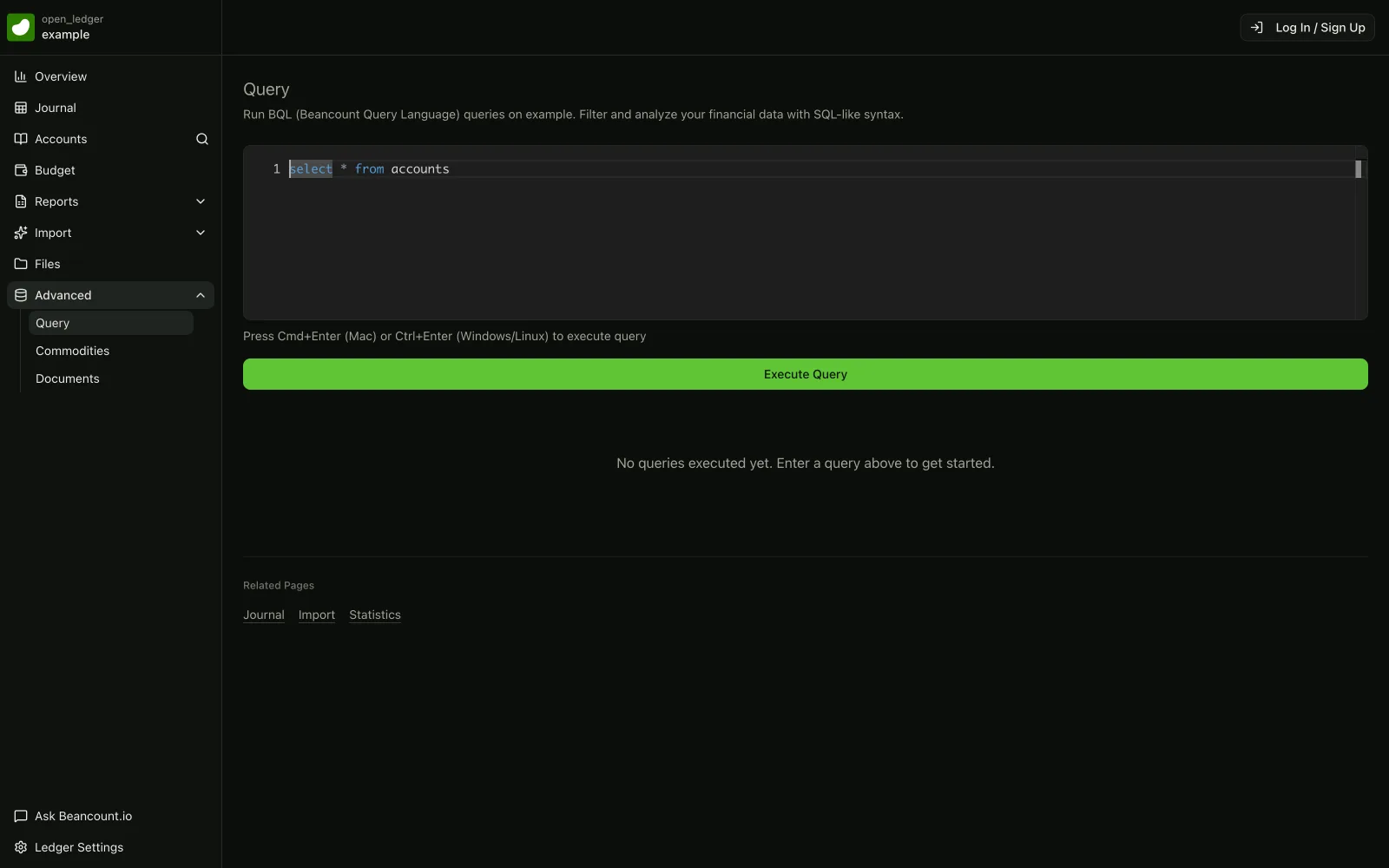
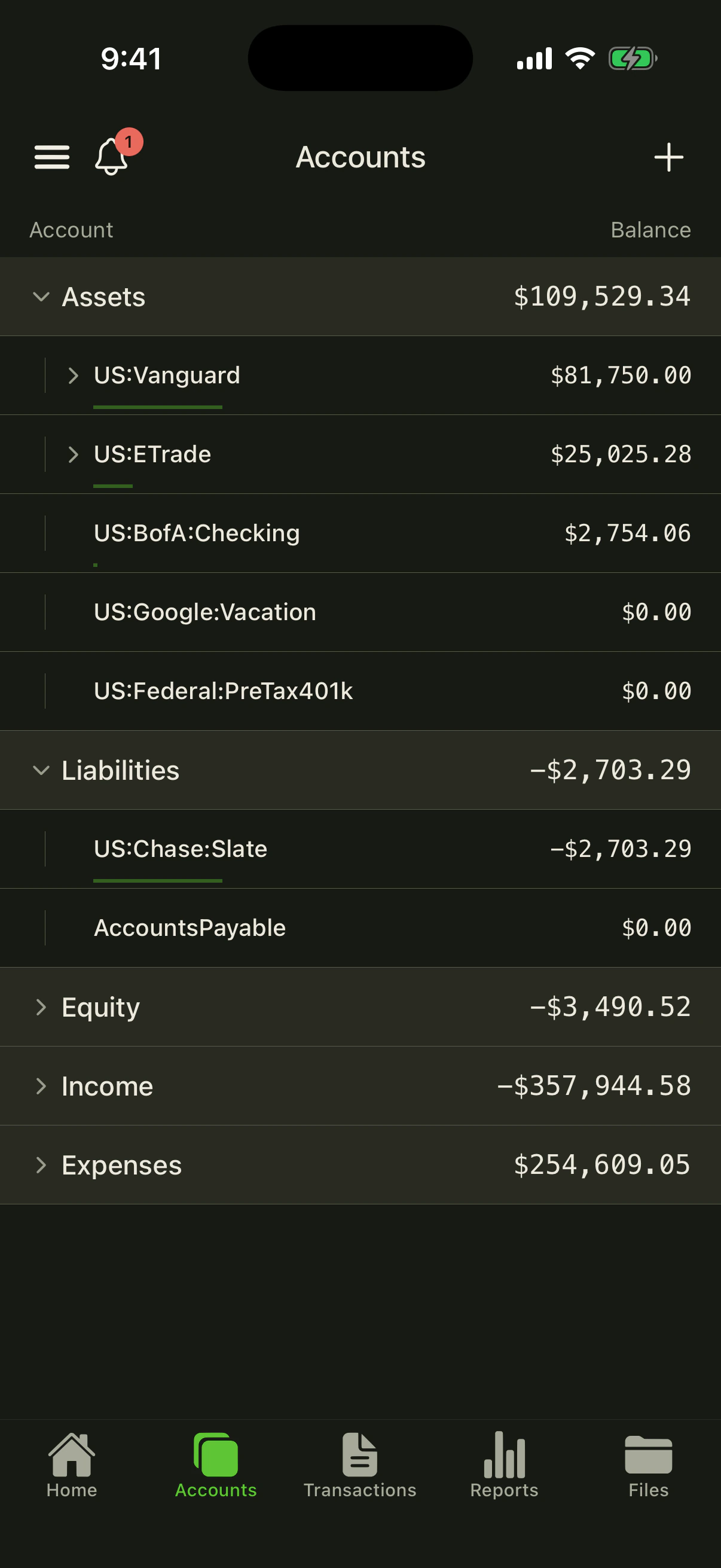
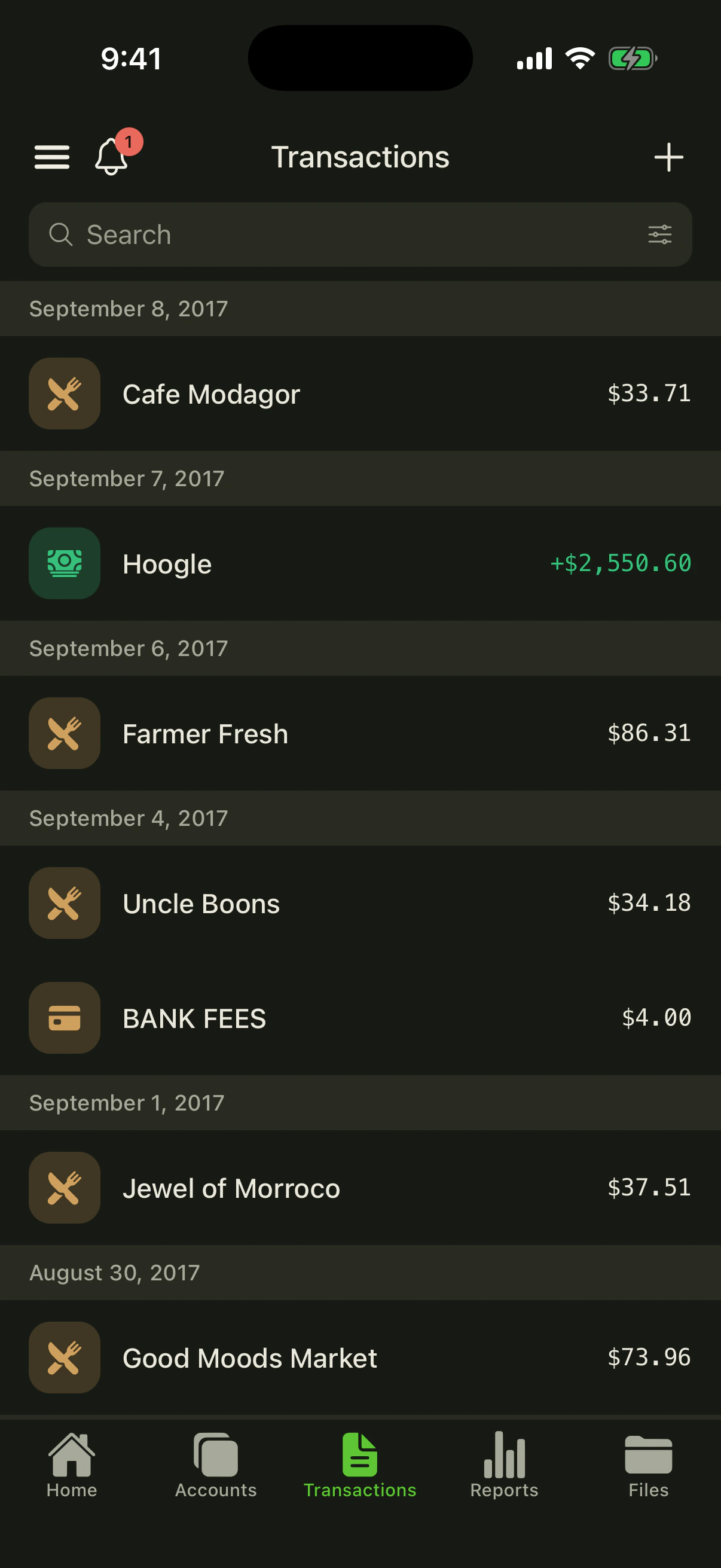
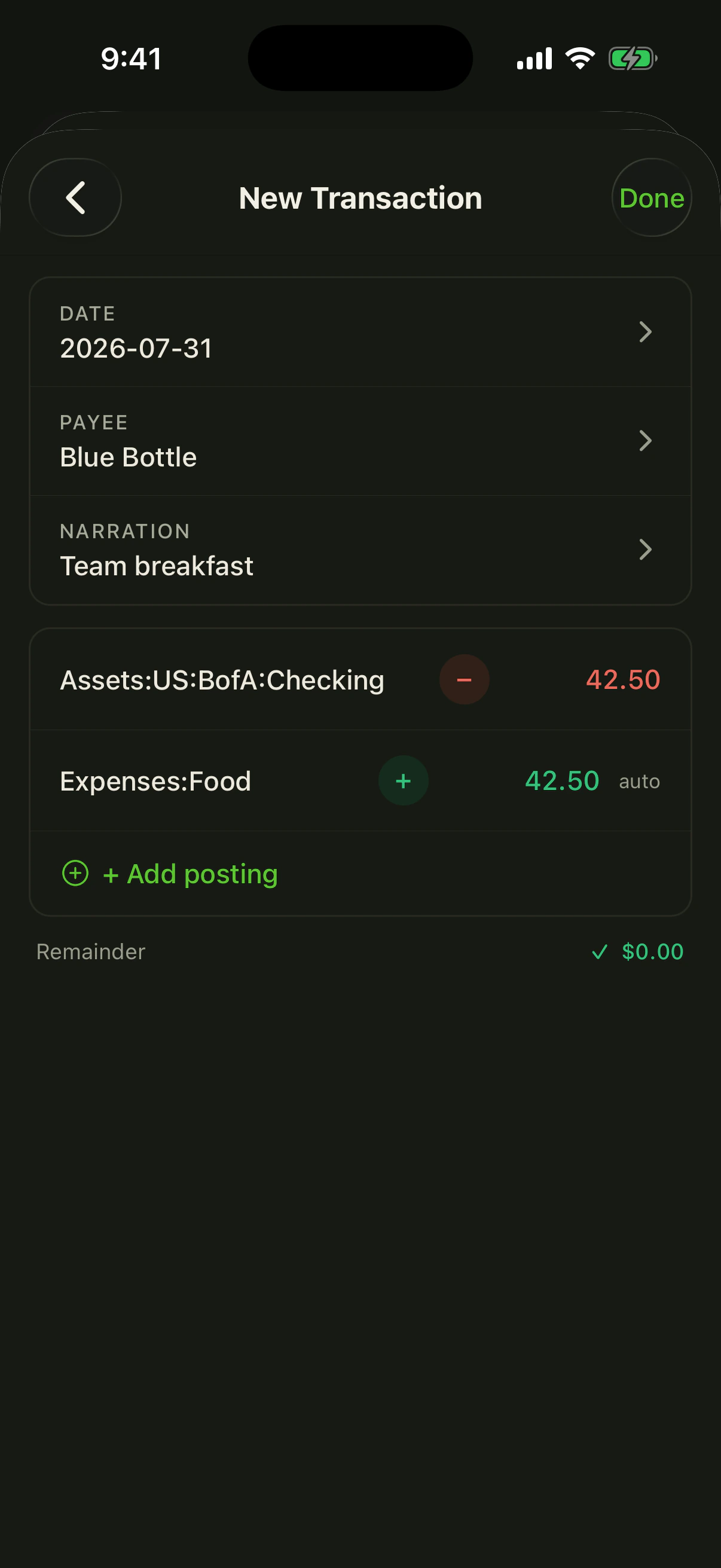
Web dashboards, BQL queries, and native mobile apps — one plain-text ledger behind all of it.
Open full-size image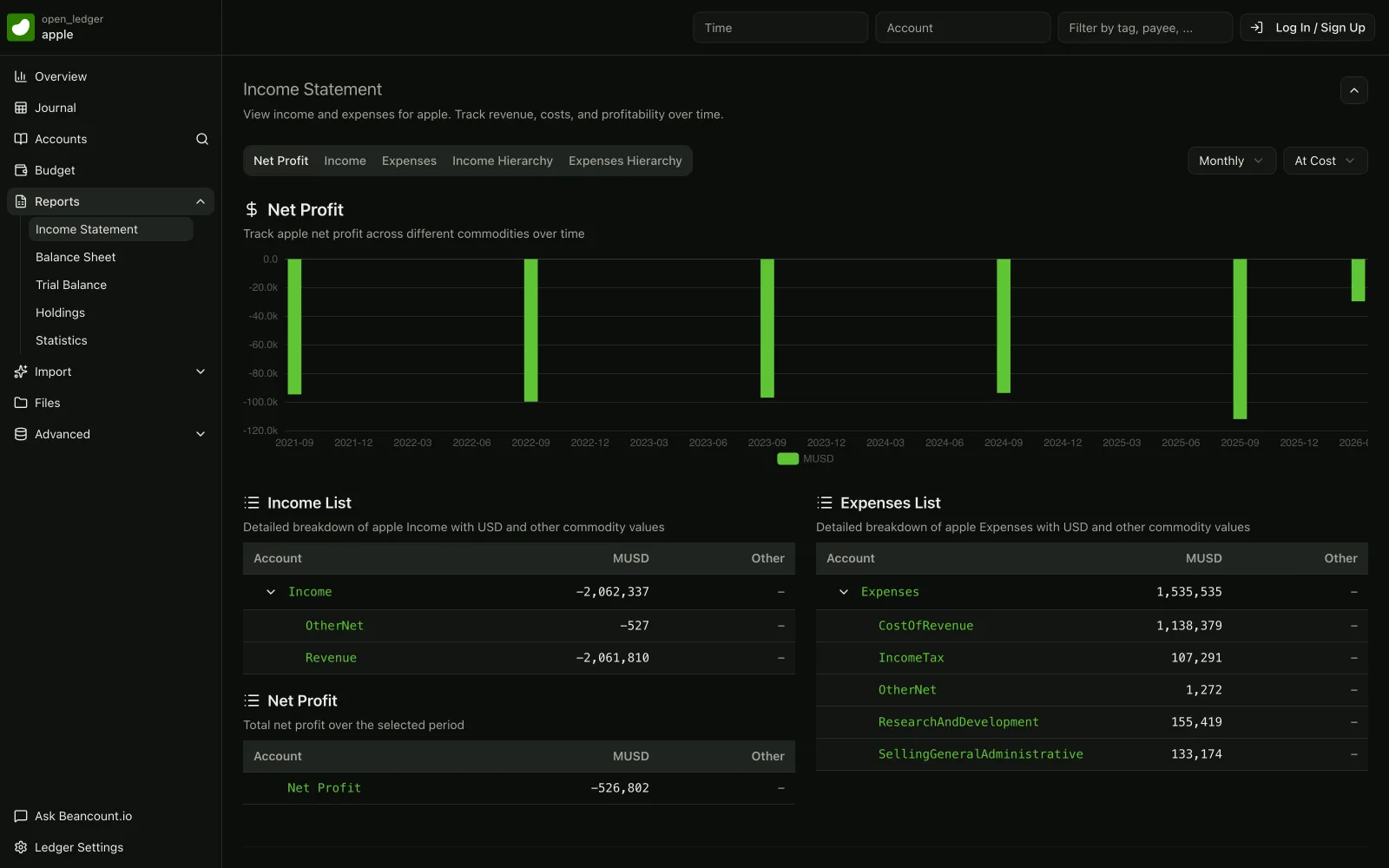 Open full-size image
 Open full-size image
 Open full-size imageOpen full-size image
 Open full-size image
 Open full-size image
 Open full-size image
 Open full-size image
 Open full-size image
You do not need to retype anything: your transaction sheet is already most of a ledger.
One row per transaction with date, description, amount and category — File → Download → CSV in Google Sheets, Save As → CSV in Excel.
Turn each category into an Income:, Expenses:, Assets:, Liabilities: or Equity: account.
Run the CSV through the free CSV-to-Beancount tool and preview the balanced entries before you download them.
Add one at each month-end bank statement date. A failing assertion points straight at the missing or mistyped row.
Keep the spreadsheet read-only as an archive, and open the ledger in Fava or beancount.io for reports.
For books you have to trust, usually yes; for a small, simple cash log, not necessarily. Beancount is a double-entry ledger: every transaction must balance or the file refuses to load, balance assertions prove each account against your bank statement, and the whole history is plain text you can diff in Git. Excel and Google Sheets are blank grids — flexible and familiar, but a broken formula or a mistyped cell fails silently. Once you have several accounts, investments, more than one currency, or an accountant and a tax filing relying on the numbers, a ledger that checks itself is the safer record.
Yes. Export the transactions sheet as CSV (File → Download → CSV in Google Sheets, Save As → CSV in Excel) with one row per transaction: date, description, amount and category. Map each category to a Beancount account such as Expenses:Office or Income:Consulting, convert the CSV in your browser with beancount.io's free CSV-to-Beancount tool, preview the balanced entries, then add balance assertions at each month-end statement date so the new ledger proves it matches your bank.
Keep the spreadsheet if you are a solo freelancer or side business with a few dozen cash transactions a month and one bank account, if what you really need is a budget or a what-if model rather than books, if non-technical colleagues must co-edit the same sheet live today, or if you do not want to learn a text syntax. For those readers a well-built bookkeeping workbook is the right tool. If you are deciding whether to leave spreadsheets for accounting software in general, start with our warning-signs checklist rather than this product comparison.
Yes, and a more complete one if you keep the ledger in Git. Because a Beancount ledger is a plain-text file, Git gives you a line-by-line diff of every change, who made it and why, and the ability to revert any edit, with no cap on how many versions you keep. Google Sheets' cell edit history can omit row and column inserts, formatting and formula-driven changes and needs edit access to view; Excel's version history works only for files stored in OneDrive or SharePoint, and a personal account keeps the last 25 versions.
Beancount and its Fava web interface are free and open source, and you need no Microsoft 365 or Google Workspace licence to use them — a text editor is enough. beancount.io's optional paid plans add hosting, bank sync and mobile apps, not access to your data. For comparison, as of September 2026 Google Sheets is free with a personal Google account, Google Workspace Business Starter lists at $7 per user per month, and Microsoft 365 Business Basic is $7 and Business Standard $14 per user per month in the US.
Start free in minutes — no credit card, no lock-in, and your plain-text ledger is always yours to keep.